Samsung Galaxy S24 Plus (All Variants) FRP Reset Android 16 | SM-S926B/U/E/0
| Views: 17 | Basic | |
Samsung Galaxy S24 Plus All Variants Frp Reset Android 16 Sm S926bue0
One-click FRP solution for all Samsung Galaxy S24 Plus models (SM-S926B, S926U, S926E, S9260). Supports Android 16 latest security patch via FRT Tool Pro.
Samsung Galaxy S24 Plus (All Variants) FRP Reset: Android 16 Supported
If you have a Samsung Galaxy S24 Plus (+) and are stuck on the Google Account Verification screen, this guide is for you. Whether you have the Global Exynos version (SM-S926B) or the USA/China Snapdragon version (SM-S926U/0), the new FRT Tool Pro v1.7.0 supports all variants running the latest Android 16 security patch.
Samsung Galaxy S24 Plus File Details
Below are the technical details for the FRP unlock file and supported models.
| Attribute | Details |
| File Name: | Samsung_S24_Plus_All_Variants_FRP_Unlock_Tool.zip |
| Main Model: | Samsung Galaxy S24 Plus (+) |
| Supported Variants: | SM-S926B (Global), SM-S926B/DS SM-S926U (USA Carrier), SM-S926U1 (USA Unlocked) SM-S926W (Canada), SM-S926N (Korea) SM-S9260 (China), SM-S926E (Asia/Africa/LATAM) |
| Chipset: | Exynos 2400 (Global/E) & Snapdragon 8 Gen 3 (USA/China) |
| Operation: | FRP Reset / Remove Google Account |
| Android Version: | Android 16 (Latest Security Patch) |
| Method: | MTP Mode (*#0*#) & EDL Mode (Snapdragon Models) |
| Tool Required: | FRT Tool Pro v1.7.0 (or latest) |
| Download Link: | Download FRT Tool Pro Latest Version |
Unlock Method 1: MTP Mode (Single Click)
For most models, especially the Global (S926B) and Asian (S926E) variants, you can use the MTP method without opening the phone. This is the fastest and safest way.
- Open FRT Tool Pro as Administrator.
- Power on your Samsung S24 Plus and connect it to the PC.
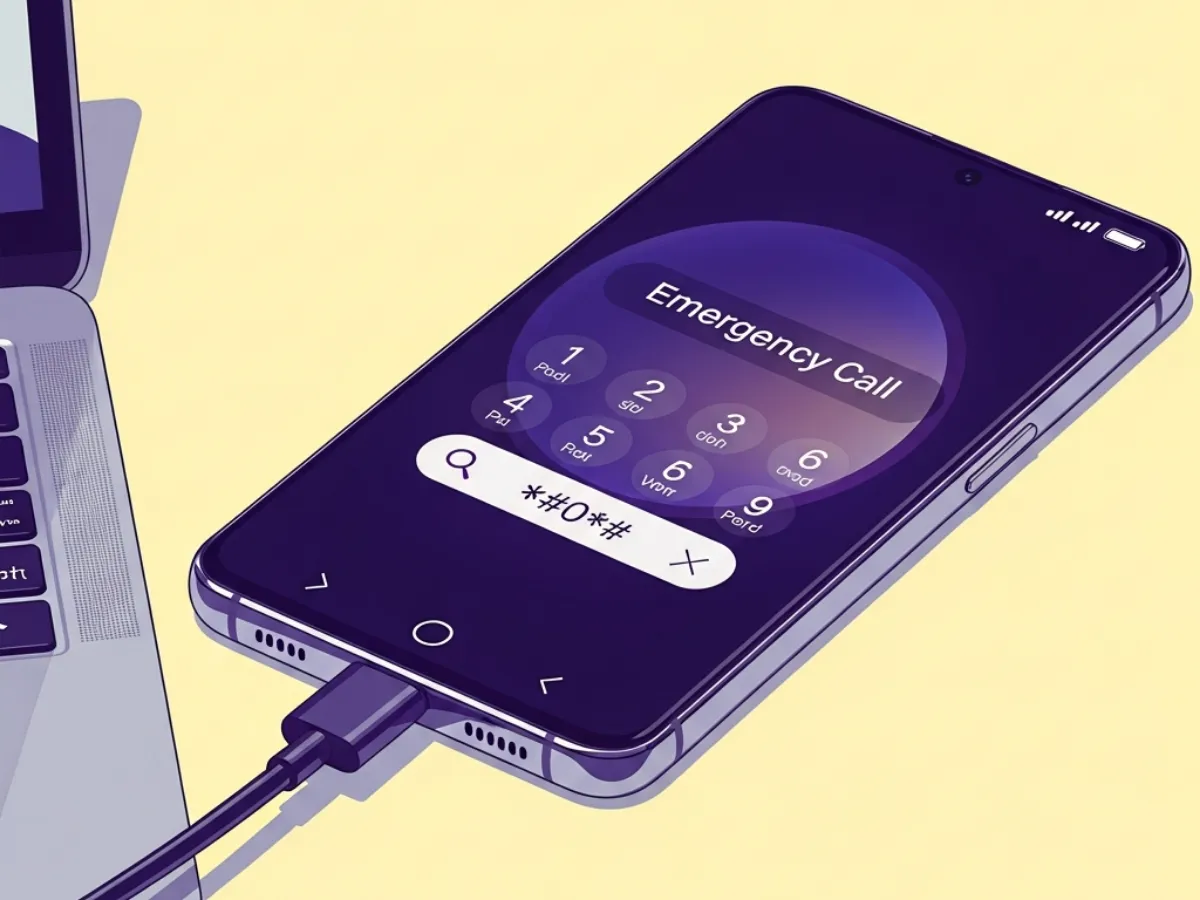
- On the phone’s Welcome screen, tap Emergency Call and dial *#0*# to enter Test Mode.
- In the tool, go to the Samsung tab and select “Remove FRP (Security New)”.
- Wait for the prompt on your phone screen. Check “Always allow” and tap Allow USB Debugging.
- The tool will reset the FRP and reboot the phone automatically.
Unlock Method 2: EDL Mode (For Snapdragon S926U/0/W)
For USA (SM-S926U/U1), Canadian (SM-S926W), or Chinese (SM-S9260) models that use the Snapdragon chipset, if the MTP method fails, you can use the Qualcomm EDL method.
- Power off the device.
- Carefully remove the back cover to access the motherboard.
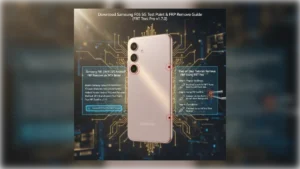
- Locate the EDL Test Points (usually near the battery connector).
- Short the test points with tweezers and connect the USB cable.
- Check Device Manager for “Qualcomm HS-USB QDLoader 9008”.
- In FRT Tool Pro, select the Qualcomm tab, choose model SM-S926U/0/W, and click “Reset FRP”.
Conclusion
With FRT Tool Pro, you can handle any Samsung S24 Plus model. Whether it’s the Exynos-based S926B or the Snapdragon-based S926U, this tool provides a comprehensive solution for Android 16 FRP removal.