Download FRT Tool Pro Latest Version v1.7.1 (All Versions)
| Views: 2007 | Basic | |
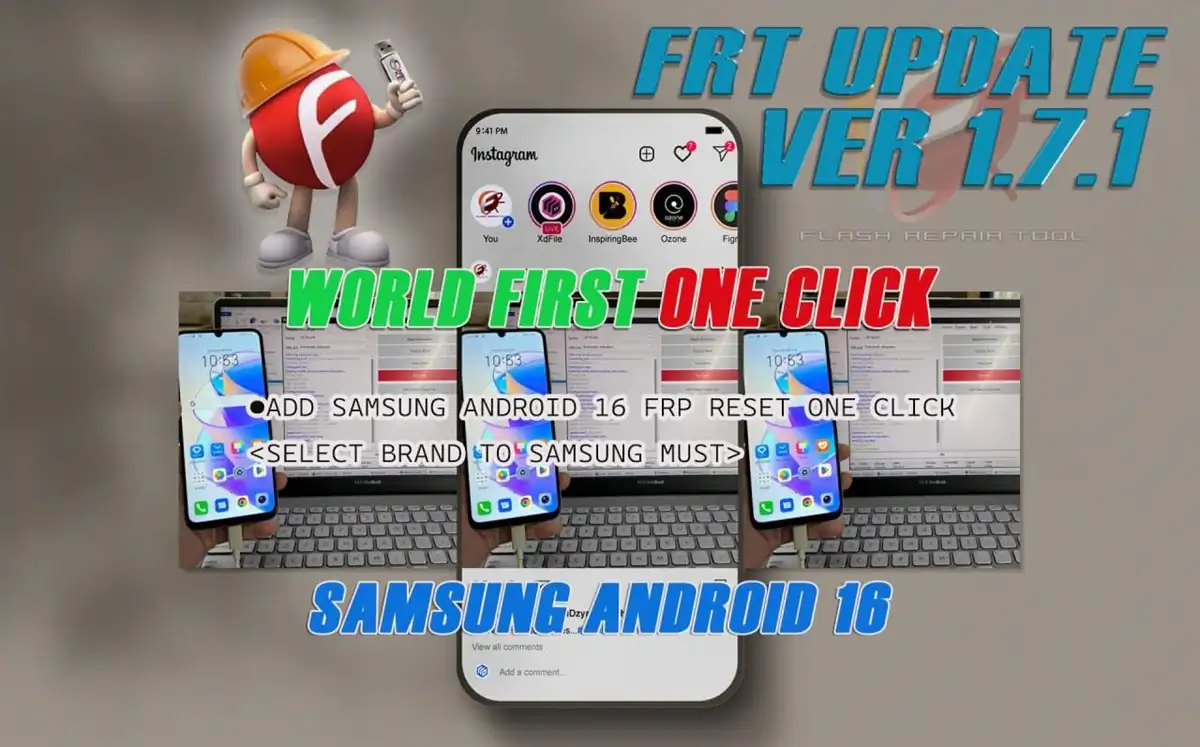
Download Frt Tool Pro Latest Version V1.7.1 All Versions
Welcome to the official download page for FRT Tool Pro. This is your all-in-one solution for flashing, repairing, and bypassing FRP on MediaTek (MTK) and Qualcomm devices.
Here, you can download the latest version v1.7.1, as well as all previous old versions. Please note that the tool requires activation for full functionality.
Download FRT Tool Pro 1.7.1 (Latest Version)
This is the most recent and stable release, recommended for all users. It includes the latest security patch bypasses and bug fixes.
- Add Samsung Android 16 frp reset one click<select brand to samsung must>
- Add Oneplus SDM480 750 FRP and factory reset
- Fix Oneplus Qualcomm Device Flash Super partition bugs
- Fix Oneplus Qualcomm one click frt reset bugs
- Oppo MTK6877 test point brom bugs fix
| File Name: | FRTTool1.7.0.zip |
|---|---|
| Version: | v1.7.0 Latest |
| Status: | 100% Tested |
| File Size: | 153 MB |
| Compatible OS: | Windows 7, 8, 10, 11 (32-bit & 64-bit) |
| Password: | frttoolpro.com |
Key Features of FRT Tool
- FRP Reset: Easily bypass Google Account verification (FRP lock).
- Factory Reset: Perform a factory data reset, even if the device is locked.
- Flash Firmware: Flash stock firmware (Scatter files) to unbrick or upgrade your device.
- Read Info: Get detailed device information.
- Backup & Restore: Create backups of your device’s partitions (including NVRAM).
- Auth Bypass: Bypass secure boot authentication on many modern MTK devices.
How to Install and Use FRT Tool Pro
- Download & Extract: Download the .zip file from the link above and extract it using WinRAR or 7-Zip.
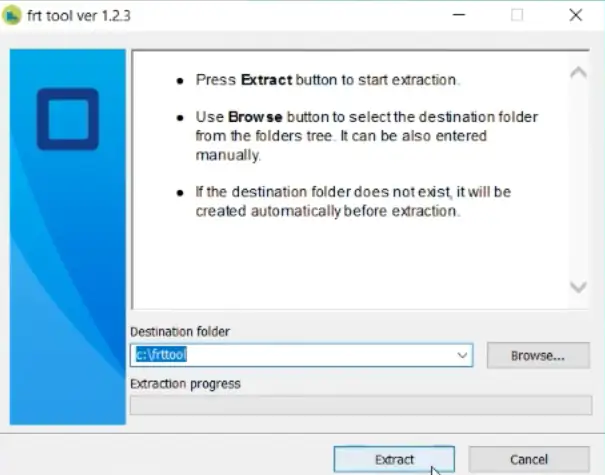
- Disable Antivirus:Temporarily disable your Antivirus or Windows Defender. This is crucial as most repair tools are flagged as false positives.
- Install Drivers: Ensure you have all the necessary Mobile USB Drivers (MTK, SPD, Qualcomm) installed.
- Run as Admin: Right-click on
FRT_Tool.exeand select “Run as administrator”.
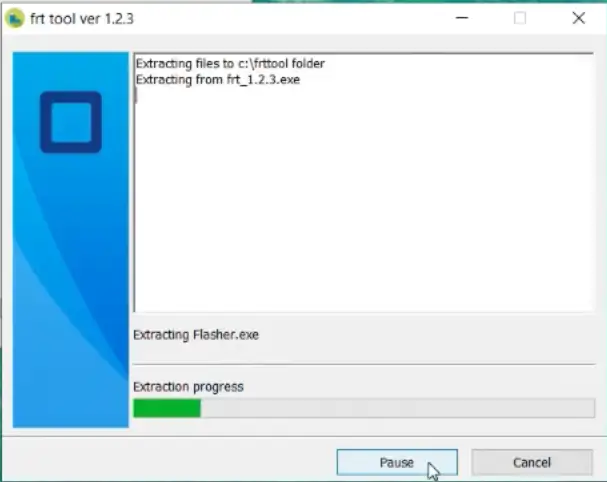
- Activate: Use your purchased activation details to log in.
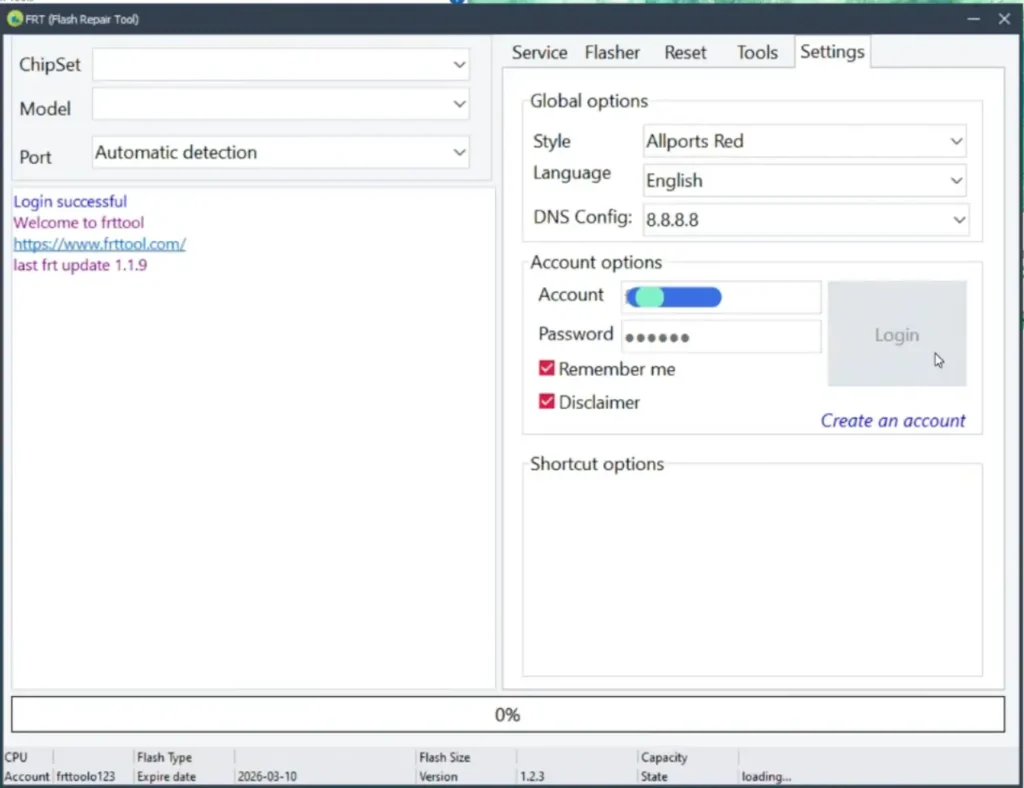
- Connect Device: Boot your phone into BROM or Preloader mode (usually by turning it off and holding Vol Up + Vol Down) and connect it to the PC.
- Select Function: Choose your desired operation (e.g., “FRP Reset”) and click “Start”.
Download FRT Tool Pro Old Versions
If you need a specific feature from an older release, you can download them here:
- FRT Tool v1.7.0
(Download Link) - FRT Tool v1.6.6
(Download Link) - FRT Tool v1.6.4
(Download Link) - FRT Tool v1.6.2
(Download Link) - FRT Tool v1.6.1
(Download Link)
Frequently Asked Questions (FAQ)
Q: Is FRT Tool Pro free to use?
A: No, FRT Tool Pro is a professional, paid software. You can download the tool for free, but you must buy an activation from the official website to use its features.
Q: Why does my antivirus block the FRT Tool?
A: This is a false positive. Mobile repair tools like FRT Tool need low-level access to your PC’s USB ports and system files… Please disable your antivirus before extracting and running the tool.
Q: What drivers do I need to use this tool?
A: You primarily need the MediaTek (MTK) USB VCOM drivers. For some functions, you may also need the LibUSB driver. We recommend installing the latest MTK driver pack before using the tool.