Download MRST MTKV6 v3.4 (Dongle Required) Latest Setup
| Views: 509 | Basic | |

FRT Tool Pro Latest Version
The MRST MTKV6 v3.4 is a powerful, professional repair tool designed specifically for MediaTek (MTK) chipset devices. It is part of the same trusted family as the FRT Tool Pro and is used by technicians for advanced tasks like Auth Bypass, FRP Reset, and flashing.
IMPORTANT: This is not a free or cracked tool. The MRST_V6_V3.4 MTKV6 (Dongle).exe requires a physical MRST Dongle (sold separately) to be plugged into your computer to run. Do not download this if you do not own the dongle.
Download MRST MTKV6 v3.4 (Dongle Setup)
This is the latest setup file for users who already own the official MRST Dongle.
| File Name: | MRST_V6_V3.4 MTKV6 (Dongle).exe |
|---|---|
| Version: | v3.4 (MTKV6) |
| Requirement: | Official MRST Dongle Required |
| File Size: | 104 MB |
| Compatible OS: | Windows 7, 8, 10, 11 (32-bit & 64-bit) |
| Password: | frttoolpro.com |
What is the MRST MTKV6 Dongle Tool?
The MRST (Mobile Repair Service Tool) MTKV6 is a professional, dongle-protected software for servicing MediaTek (MTK) phones. Unlike free tools, it uses advanced methods to bypass security and perform low-level operations. It is designed for technicians who need a reliable solution for the latest MTK devices.
Key functions include:
- MTK Auth Bypass: Securely bypasses the “Secure Boot” or “Auth” protection on new MTK devices (Helio, Dimensity series).
- FRP Reset: One-click Factory Reset Protection (FRP) removal for all MTK models.
- Flash Firmware: Allows flashing of scatter-based firmware.
- Format/Erase: Safely formats user data or specific partitions.
- Read Info: Detects and reads detailed device information even in BROM mode.
How to Install and Use MRST MTKV6
Follow these steps carefully. You MUST have the dongle and digital login account.
- (Step 1) Get the Dongle: If you don’t have one, you must first buy the official dongle. The software will not open without it.
- Download & Extract: Download the
.exefile from the button above. - Disable Antivirus: (Crucial!) Temporarily disable your Antivirus or Windows Defender. Dongle-protected tools are almost always flagged as false positives.
- Install Drivers: Ensure you have the latest MTK USB VCOM Drivers and UsbDk Drivers installed.
- Plug in Dongle: Plug your activated MRST Dongle firmly into your PC’s USB port. Wait for Windows to recognize it.
- Run as Admin: Right-click on
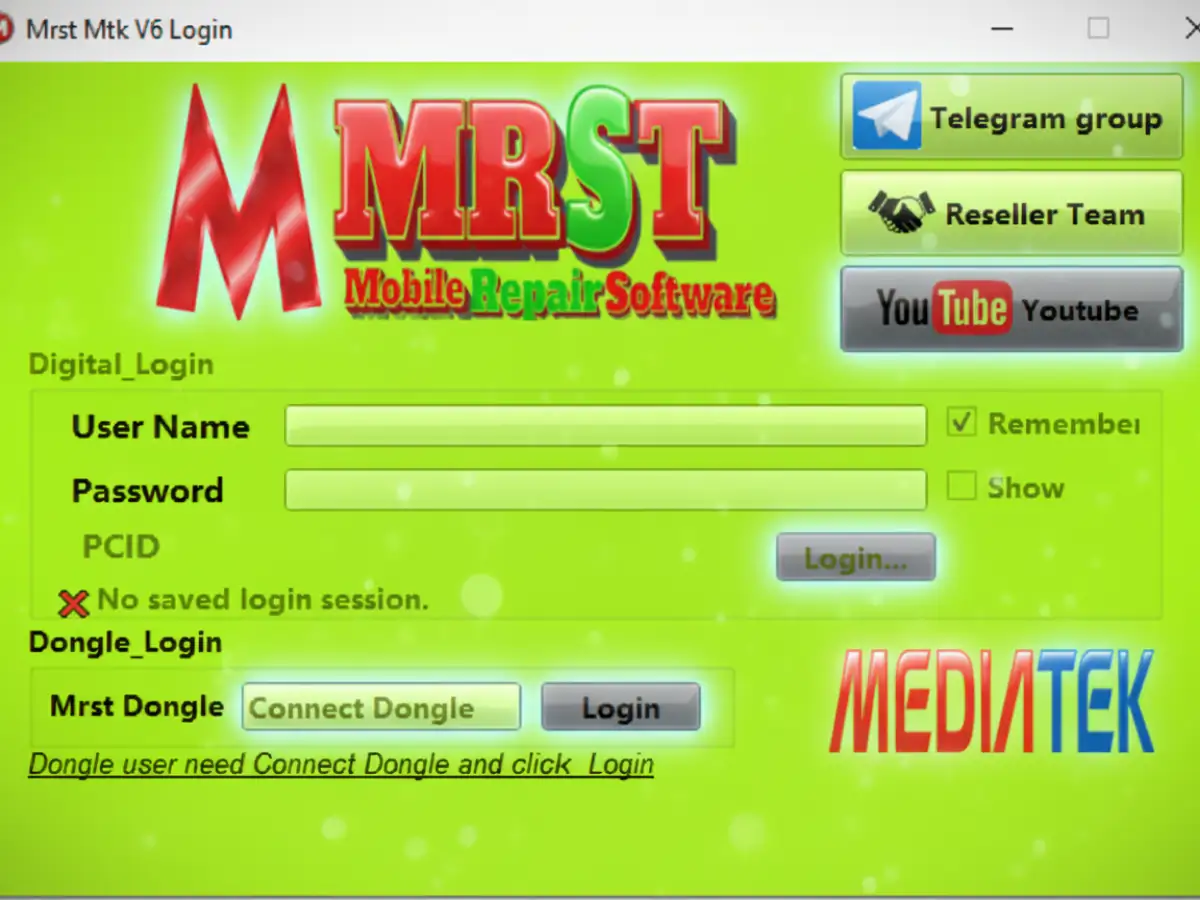
MRST_V6_V3.4 MTKV6 (Dongle).exeand select “Run as administrator”. The login form will appear.
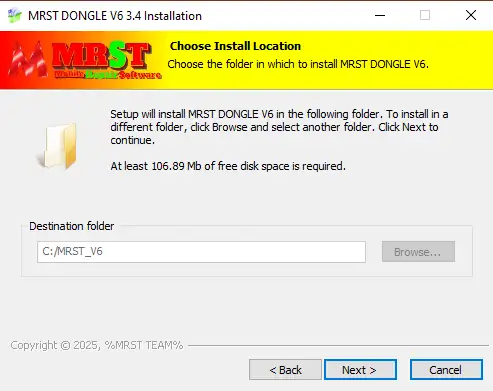
- Use the Tool: The software will open, verify your dongle, and you can then proceed to connect your phone (usually in BROM mode) and select the desired operation.